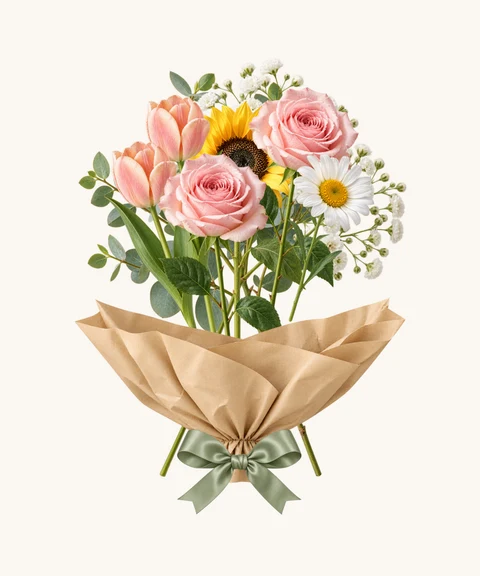
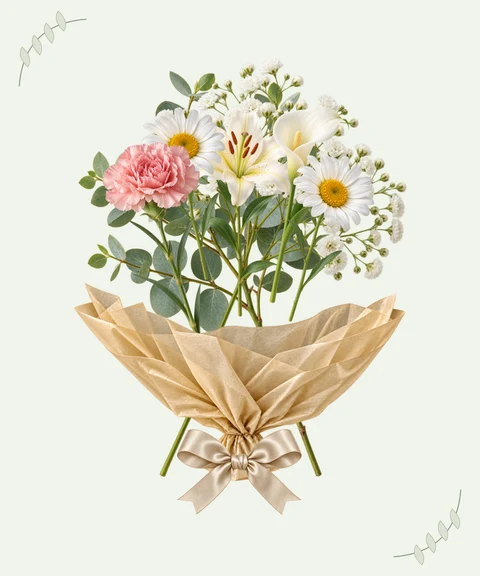
Saved keeps an editable draft in this browser
Your draft contains the arrangement and message, so Continue editing reopens the maker rather than a flat picture. Saved keeps up to 10 drafts, with a 30-day inactivity limit.
Drafts are stored locally in this browser on this device. They do not automatically sync to another phone or computer. Clearing site data, using private browsing or unavailable storage can remove them. If local saving fails, keep the tab open and download a picture before leaving.
Delete draft removes that local draft after confirmation. Deleting a local record does not revoke an already published gift link. Keep any private editing link you still need before clearing browser data.
Create a link and QR code
In Share, preview the recipient’s gift before choosing Create gift link. No separate review checkbox is required. Check the homepage option: it is selected for new gifts, and you can turn it off without blocking creation. A blank public name appears as Flower lover. The showcase excludes your recipient, short note, letter and gift link.
After creation, the full recipient link appears above Copy link. The QR code contains that same link and can be downloaded. Share gift opens the device sharing menu when supported. Complete sending in your chosen app; copying or cancelling a menu does not deliver a gift.
Anyone with the link can open the envelope and read the gift without an account. The link lasts 30 days from creation. Keep the separate private editing link to manage it; do not send that private link to your recipient.
Update, remove from the homepage or revoke
Returning to a local draft does not change a shared gift. Use Continue editing this gift or your private editing link, make your changes and choose Update live gift. Recipients see the new version at the same link; its original expiry date stays unchanged.
Manage offers Remove from homepage and Revoke gift link as separate actions. Removing the showcase entry keeps the gift working; revoking prevents new opens. Homepage changes may take up to an hour, and already downloaded images cannot be recalled.
Start over keeps the current draft in Saved and opens a new bouquet. Delete draft or Delete local record removes local data without revoking a published gift. If creation times out, Retry original request checks the same attempt instead of generating another link.
Choose the picture that fits your message
The Share step offers four PNG formats. The full letter and opening animation are not part of any PNG.
- Bouquet only · 1080 × 1350: the arrangement without your personal note.
- Bouquet + short card · 1080 × 1350: flowers with the recipient, short note and signature.
- Story card · 1080 × 1920: a taller picture with your short card for a portrait layout.
- Pinterest card · 1000 × 1500: a 2:3 picture with the arrangement and short card.
Preview, download, then send
Choose Prepare PNG preview and inspect the actual output. Download this PNG saves that same picture. Open image gives you another way to use your browser’s saving options. Share this image is available on supported devices.
Files may go to Downloads, Files or Photos depending on the browser and action. Check that the saved picture opens, then attach it in your conversation. Cancelling a sharing menu does not send anything or remove the prepared picture.
A PNG is a finished image. You cannot import it to recover individual flowers or message fields; keep the local draft if you want to edit the design later.
Pictures and gift links work differently
Saving a picture does not publish your words online. You choose where to send or post the file. A picture you post publicly may be seen or saved by other people, so check the names and note first.
A recipient link includes the full letter and envelope opening experience. If link creation is temporarily unavailable, you can still save a picture. The private editing link controls that gift and should stay with you. Sending a picture does not automatically send either link.