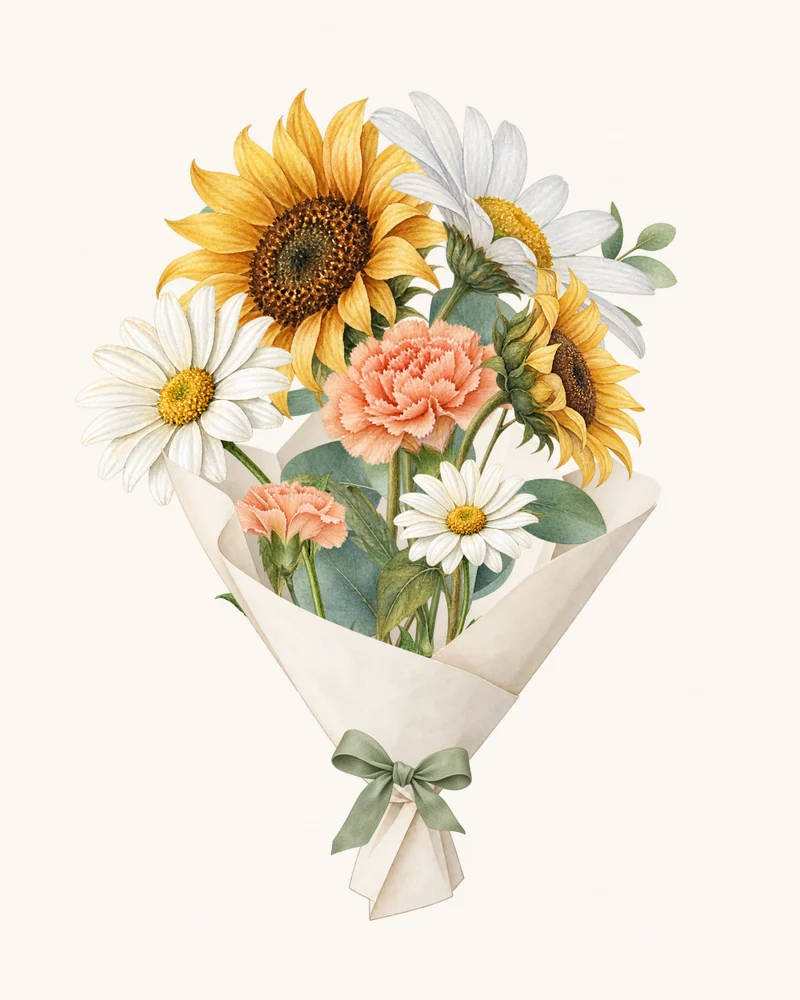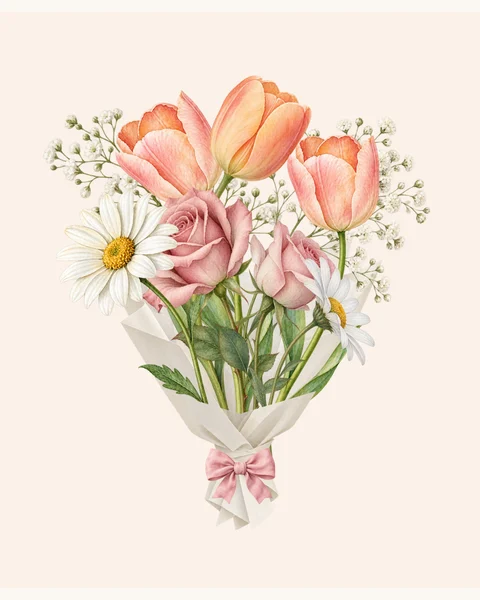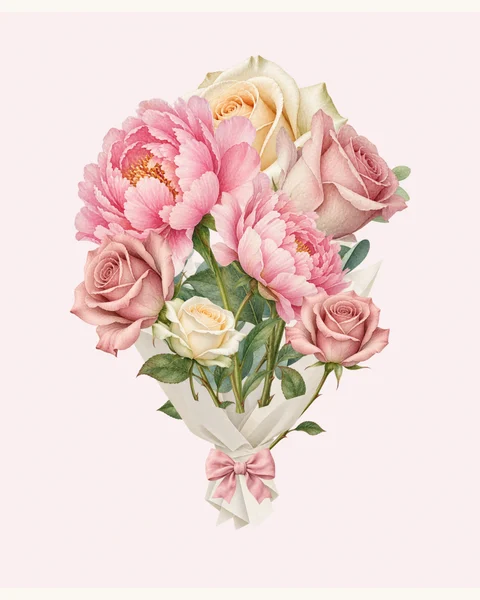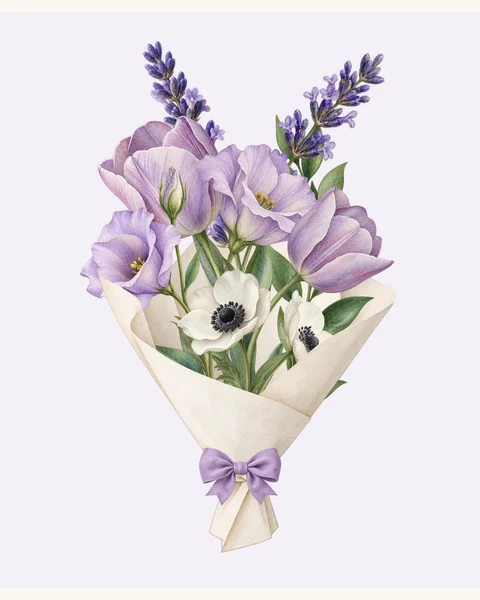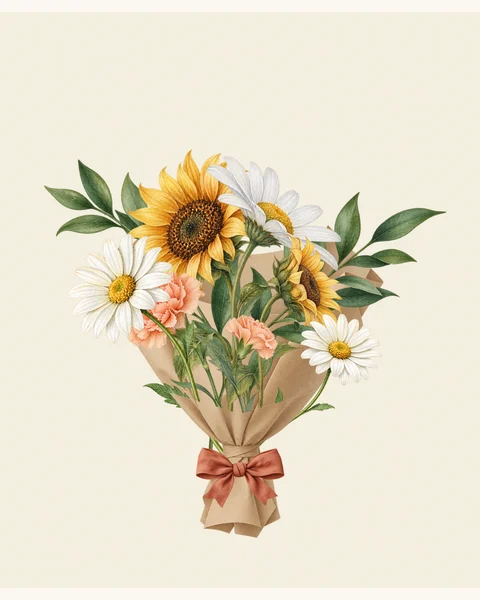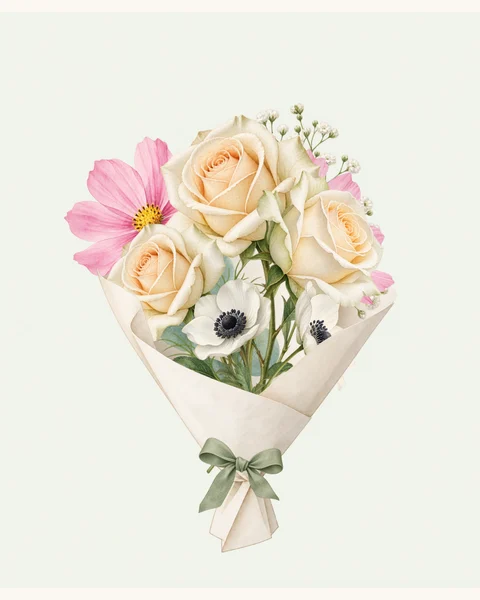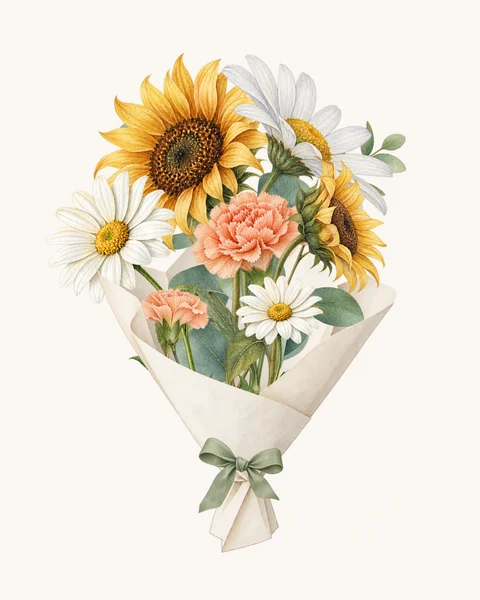
Meaning & occasions
Meaning: Affection · Gratitude
Occasions: Thank you · Birthday · Mother’s Day
For reference only.THE FLOWER STUDIO
Create a digital bouquet with a personal message or a longer letter. Share its link by text, or save your flowers as a picture.

Your bouquet starts
with one little flower.
Choose your flowers and quantities. Next, we’ll arrange them into a bouquet you can style.
Meaning: Affection · Gratitude
Occasions: Thank you · Birthday · Mother’s Day
For reference only.Meaning: Love · Affection
Occasions: Birthday · Anniversary · Just because
For reference only.Meaning: Joy · Hope
Occasions: Birthday · Graduation · Encouragement
For reference only.Meaning: Romance · Good fortune
Occasions: Wedding · Anniversary · Congratulations
For reference only.Meaning: Gratitude · Sincerity
Occasions: Thank you · Apology · Thinking of you
For reference only.Meaning: Innocence · Joy
Occasions: Birthday · New baby · Friendship
For reference only.Meaning: Purity · Remembrance
Occasions: Wedding · Sympathy · Remembrance
For reference only.Meaning: Motherly love · Gratitude
Occasions: Mother’s Day · Thank you · Birthday
For reference only.Meaning: Appreciation · Gratitude
Occasions: Thank you · Anniversary · Congratulations
For reference only.Meaning: Elegance · Admiration
Occasions: Wedding · Anniversary · Congratulations
For reference only.Meaning: Beauty · Purity
Occasions: Wedding · Anniversary · Sympathy
For reference only.Meaning: Happiness · Cheerfulness
Occasions: Birthday · Get well · Friendship
For reference only.Meaning: Romantic love · Passion
Occasions: Valentine’s Day · Anniversary · Romance
For reference only.Meaning: Purity · Remembrance
Occasions: Wedding · Sympathy · Remembrance
For reference only.Meaning: Affection · Appreciation
Occasions: Birthday · Thank you · Mother’s Day
For reference only.Meaning: Happiness · Friendship
Occasions: Birthday · Friendship · Encouragement
For reference only.Meaning: Heartfelt love · Affection
Occasions: Anniversary · Mother’s Day · Birthday
For reference only.Meaning: Purity · Grace
Occasions: Wedding · New baby · Thinking of you
For reference only.Meaning: Charm · Beauty
Occasions: Birthday · Romance · Anniversary
For reference only.Meaning: Anticipation · Protection
Occasions: New beginnings · Encouragement · Thinking of you
For reference only.Meaning: Commitment · Lasting love
Occasions: Anniversary · Wedding · Romance
For reference only.Meaning: Optimism · Generosity
Occasions: Graduation · Birthday · Encouragement
For reference only.Choose up to 12 flowers. A single stem can say plenty.
Drafts stay in this browser. A gift is uploaded only when you publish or update its link.
THE SHOWCASE
See what someone made. Make it your own.
The latest 15 designs, newest first.
Refreshed every 30 minutes.
Loading shared flowers…
A LITTLE THOUGHT, MADE INTO FLOWERS
Virtual Bouquet Maker is a free online tool for creating a digital bouquet or flower basket and sending it with your own words. Pick realistic roses, tulips, sunflowers or hydrangeas, arrange them, and choose the finishing details.
Make birthday flowers, an anniversary surprise, a thank-you bouquet or a small reminder that someone far away is on your mind. These are digital flowers to open on a screen; no physical delivery is involved.
Choose their favorite flowers, then add a card of up to 180 characters in Message. A birthday wish, a thank-you or a simple “Thinking of you” makes the arrangement personal. Preview the gift before sharing, or download Bouquet + short card as a picture.
Choose a bouquet or flower basket →For a long-distance hello or an anniversary, add an optional letter of up to 6,000 characters alongside the short card. Your recipient opens the flowers and can read the longer letter in the same gift. The full letter is available through the link; it is not included in the PNG.
Start with roses and peonies →At Share, choose Create gift link, then Copy link. Paste it into SMS, iMessage, WhatsApp or email and send it from that app. Your recipient opens the gift in a browser without an account. Links last 30 days from creation; download a PNG if you want a picture to keep.
Help with sending and saving flowers →MAKE IT YOURS
From one rose to a mixed flower basket: adjust individual stems, choose the finishing details and preview the gift before sending.
FREQUENTLY ASKED QUESTIONS
Choose the stems, then make space for every flower.
You can make a digital bouquet or flower basket, write a message, download a PNG and create a gift link for free. No account is required. You will need a modern browser and an internet connection to load the flowers and publish a link.
Choose from 22 flower options, including color variations of garden roses, tulips and hydrangeas, plus peonies, sunflowers, daisies, lilies, carnations, orchids, calla lilies, gerberas, lisianthus, ranunculus, anemones, dahlias and delphinium. Filter by color or search by flower name in Flowers. Each option uses realistic flower artwork; colors come from the available varieties rather than a custom color picker.
Yes. Start with 1 flower and add up to 12 flowers in total. Use the plus and minus buttons to repeat a favorite or mix different varieties. In Style, you can also add up to 6 eucalyptus and baby’s breath stems in total, separately from the flower limit. For a simple gift, try one red rose; for a fuller design, combine hydrangeas with smaller flowers.
Yes. In Style, start with Open & airy, Soft & round or Tall & natural. Drag a flower in the preview to move it. Once a stem is selected, open Fine-tune this stem below the preview to move it with buttons, rotate it left or right, or make it smaller or larger. On a phone, tap Arrange to expand the preview first. Size and position controls keep stems within the picture’s usable area.
Try another arrangement in Style, or drag overlapping flowers apart and adjust their size. Reset arrangement restores the current layout’s stem positions, while Undo and Redo step through your edits. Choosing a layout or switching between bouquet and basket arranges the stems again, so do those steps before final manual adjustments. You can return to Flowers to reduce quantities without starting the whole gift over.
Open Meaning & occasions under a flower in the picker to see its core symbolism and suggested occasions. For example, red roses suggest romantic love, sunflowers suggest joy and hope, and pink carnations suggest gratitude and motherly love. These suggestions are for reference only. Choose colors and flowers the recipient likes, and let your own message explain what they mean to you.
Yes. Choose a bouquet or basket from Templates, or use a design from the homepage showcase. You start at Style with the arrangement already in place. You can still change the flowers, quantities and accessories. Your copy has empty message fields and does not change the original creator’s gift.
Find a bouquet or basket template ↗Change the container, wrapping, frame and message independently.
Yes. In Style → Bouquet / basket, choose a wrapped bouquet, a natural wicker Garden basket or an Ivory keepsake basket with a linen rim. Your selected flowers and words stay with the design, and the stems rearrange to fit the container. Try blue hydrangeas and white daisies in wicker, or pink hydrangeas and roses in an ivory basket. Wrapping paper is available for bouquets; baskets have their own container finish.
Browse bouquet and flower basket templates ↗Bouquets have six paper finishes: Sculpted ivory, Blush & vellum, Ivory tissue, Warm kraft, Blush tissue and Champagne tissue. Choose No wrapping to leave the stems visible. This is an intentional bare-stem look, not a missing image. Ribbon is a separate choice: Sage satin, Blush satin, Champagne satin or No ribbon. You can keep a ribbon even when the bouquet has no paper.
In Style → Frame & background, choose Fine line, Keepsake, Letter paper, Postage or Botanical, or leave the flowers Unframed. Choose a cream, sage, blush, peach, lilac or oat background separately. The previews show these finishes around your own arrangement, so you can compare the effect without replacing your flowers. The message card has its own Classic cream, Soft paper and Minimal border choices in Message.
Add optional recipient and sender names, a short note of up to 180 characters, and an optional longer letter of up to 6,000 characters. Use the short note for the greeting you want seen first and the letter for a longer story. Message includes example wording to get you started. The full letter is part of the recipient’s gift page; it is not printed in the PNG export.
Find birthday, thank-you and other card ideas ↗Yes. You can enter your own names, message and letter, including non-English text and emoji. Check the recipient preview and the prepared PNG before sharing, especially for mixed writing directions or unusual characters. The way an emoji looks can vary between devices.
No generation step is needed. The maker arranges existing flower artwork in the browser, so you can see changes as you choose stems and finishes. Initial artwork loading, publishing a gift link and preparing a PNG still depend on your connection and device. You do not need to write an image prompt or use generation credits.
Send an opening experience, or keep a finished picture.
At Share, preview the gift and check your words, then choose Create gift link. You can copy the link, use your device’s share options, or download its QR code. The QR opens the same gift as the link. On the same phone, copying the link is usually easier than scanning a QR image. Finish sending in your chosen chat or email app.
The recipient opens the gift in their browser without an account or a separate app. They first see an envelope, then open it to reveal your flowers and message. If you added a longer letter, they can open that too. You can try this experience yourself before publishing.
Yes. At Share, choose Preview recipient’s gift to try the opening, check the flower arrangement and read the note and letter before creating a link. Every gift uses the same simple envelope-opening style. If something needs changing, return to Style or Message, then preview again. A QR code opens this gift page; a downloaded PNG is a still picture and does not play the animation.
Yes. Prepare a PNG preview and save a bouquet-only image, a picture with a short card, a Story card or a Pinterest-sized card. Downloading a picture does not publish your words. A PNG does not include the opening animation or full letter; use the gift link for that experience.
Compare saving and sharing options ↗Download picture in Share offers Bouquet only and Bouquet + short card at 1080 × 1350 pixels, Story card at 1080 × 1920, and Pinterest card at 1000 × 1500 (2:3). Prepare the PNG preview in your chosen format, check the flowers and text, then save it. You upload or send the file yourself; the maker does not post to a social account for you.
Check your connection and try again. A gift may have expired or been revoked. If a chat app’s browser blocks opening or downloading, try your usual browser. You can copy the gift link manually or save a PNG instead. If publishing times out, use Retry original request to check the same attempt without creating a duplicate gift.
Get help with your bouquet ↗Know what stays on your device and what a shared link reveals.
Unpublished drafts stay in this browser. Creating or updating a gift link uploads your arrangement and words to the service. Anyone with the recipient link or QR code can open the gift; it is not password protected. Avoid sensitive information, and keep your separate private editing link to yourself.
Read the privacy notice ↗The homepage showcase option is on by default for new gifts. Uncheck it before creating your link to keep the design out of the homepage; you can still publish normally. Leaving the public name blank displays “Flower lover”. Existing published gifts keep their previous setting. The showcase includes your flower design and chosen public name, never the recipient, note, letter or recipient link. You can remove the design in Manage without closing the gift link. Homepage changes may take up to an hour; copies already made by others remain theirs.
Saved drafts are stored locally in this browser, not in an account or a cloud gallery. They retain your editable flowers and message. You can keep up to 10 drafts, which expire after 30 days without editing. Delete individual drafts in Saved, or clear this site’s browser data to remove local drafts and editing access. Private browsing or a different device may not have your drafts.
Manage your saved drafts ↗Gift links are available for 30 days from creation. The confirmed expiry date appears after publishing. Editing a gift does not extend its lifetime, and its QR code expires with the link. Save a PNG if you want a picture to keep after the link expires.
Yes, while the gift is active and you have its private editing link. Change your working copy, review it, then choose Update live gift. Recipients see the updated version when they open the same link again. Editing a local draft alone does not update the published gift. Save your private editing link before clearing browser data.
Help with editing a shared gift ↗No. Deleting a draft or clearing browser data only removes local data. To stop an active gift link from opening, use its private management page and choose Revoke gift link. Revoking cannot recall images or copies that someone has already saved.
Choose based on how you want to create. theBouquet describes a free drag-and-drop maker with flowers, ribbons, plush toys, custom image uploads and an animated gift-box reveal. DigiBouquet by Pauline offers a flower-picking, arranging and card-writing flow with color and black-and-white starting options and browser gift links.
Virtual Bouquet Maker brings realistic flower artwork, bouquet and basket formats, three starting layouts and individual stem adjustments into one flow. Choose it when you want to fine-tune your flowers, coordinate paper, ribbon and frame, add a longer letter, and prepare both a recipient preview and a picture sized for Stories or Pinterest.
Links, QR codes and animated reveals are also available in other makers. Here, drafts stay in your browser, homepage showcasing is optional, and published gifts have a stated 30-day lifetime with private controls to update or revoke them. Choose the combination that fits the gift you want to send.
Competitor descriptions checked against the linked sites on September 29, 2026. Features may change.